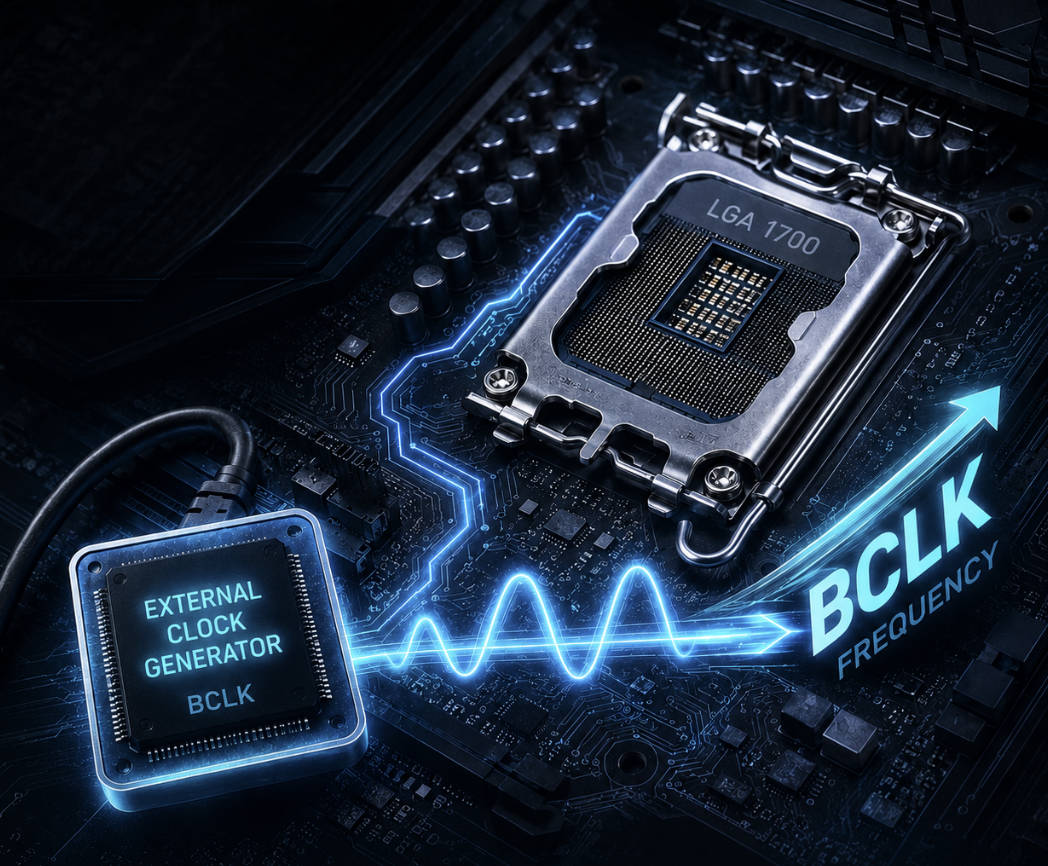
With Intel’s 12th-gen (Alder Lake) lineup, non-K processors could still be overclocked using the base clock (BCLK). This requires a motherboard with an external clock generator. Below is a list of confirmed boards that support this method, along with important practical details.
What is an External Clock Generator? Most motherboards use a clock generator built into the chipset (PCH), which locks the BCLK at 100 MHz. Boards with an external clock generator (such as Renesas RC26008 or similar chips) let you adjust the CPU bus independently of PCIe, SATA, and USB. This is what makes stable BCLK overclocking on locked CPUs possible.
13th and 14th Gen Limitations
This overclocking method only works reliably on 12th generation Alder Lake CPUs (both K and non-K). Starting with the 13th and 14th gen, Intel implemented restrictions through microcode and the Management Engine that hard-lock the BCLK to around 103 MHz specifically for non-K processors. While K-series processors on these generations can still be tuned via BCLK on supported boards, attempting to push past that on non-K 13th or 14th-gen CPUs will result in boot failures or instability.
Motherboards with External Clock Generators
ASUS
| Model | Chipset | Memory | Recommended BIOS |
|---|---|---|---|
| ROG Maximus Z690 Hero / Apex / Extreme / Formula | Z690 | DDR5 | 0811, 1304, 2003+ |
| ROG Strix B660-G Gaming WiFi | B660 | DDR5 | 1003, 1203, 1401 |
| ROG Strix B660-F Gaming WiFi | B660 | DDR5 | 1003 |
| ROG Strix B660-E Gaming WiFi | B660 | DDR5 | 1003, 1302 |
MSI
| Model | Chipset | Memory | Recommended BIOS |
|---|---|---|---|
| MAG B660M Mortar Max WiFi | B660 | DDR4 | E7D29IMS.1B0 and newer |
| MEG Z690 Unify / Unify-X | Z690 | DDR5 | E7D28IMS.122 / .140 |
| MEG Z690I Unify | Z690 | DDR5 | E7D29IMS.111 / .122 |
| MEG Z690 Ace | Z690 | DDR5 | E7D29IMS.140+ |
ASRock
| Model | Chipset | Memory | Recommended BIOS |
|---|---|---|---|
| B660M PG Riptide | B660 | DDR4 | 3.01 / 4.01 |
| Z690 PG Riptide | Z690 | DDR5 | 3.02+ |
| B660M PG Sonic | B660 | DDR4 | 3.01 |
| Z690 Taichi / Aqua OC | Z690 | DDR5 | 12.01 (Taichi) |
Other Boards
| Model | Chipset | Memory | Recommended BIOS |
|---|---|---|---|
| Gigabyte Z690 Aorus Tachyon | Z690 | DDR5 | X2i, X3b, X4a |
| EVGA Z690 Dark | Z690 | DDR5 | 1.07 |
| EVGA Z690 Kingpin | Z690 | DDR5 | 1.07 |
| Biostar Z690 Valkyrie | Z690 | DDR5 | P1.80+ |
Key Considerations and Limitations
CPU Stepping
Processors with the C0 stepping generally handle higher BCLK values better than H0 stepping chips. The difference is most noticeable on 6-core models, where H0 silicon tends to struggle at high base clocks.
Voltage and Power Delivery
Locked CPUs have limited voltage control, particularly on VCCSA. Some boards allow Vcore adjustments even on non-K chips, which helps sustain higher frequencies. When cranking up the BCLK, power draw spikes noticeably, so boards with beefier VRM designs definitely have an edge.
Memory Frequency
Pushing the BCLK also pumps up memory frequencies. You will need to manually lower the memory multiplier to keep RAM within stable limits. It’s recommended to disable XMP before starting and tune memory settings manually.
AVX-512 Support
Some older BIOS versions allow AVX-512 on 12th gen CPUs. Newer BIOS releases completely killed it due to Intel microcode updates. If you need AVX-512, stick with earlier BIOS versions.
Temperatures and Cooling
BCLK overclocking increases power draw even without raising the multiplier. On 6-core CPUs especially, temperatures and power consumption can rise significantly. A beefy air cooler or a solid AIO is a must for keeping things stable at higher BCLK values.

Written by
Senior Hardware Specialist proving you don't need top-tier gear to game. Expert in smart upgrades and budget-friendly PC restoration.