Table of Contents
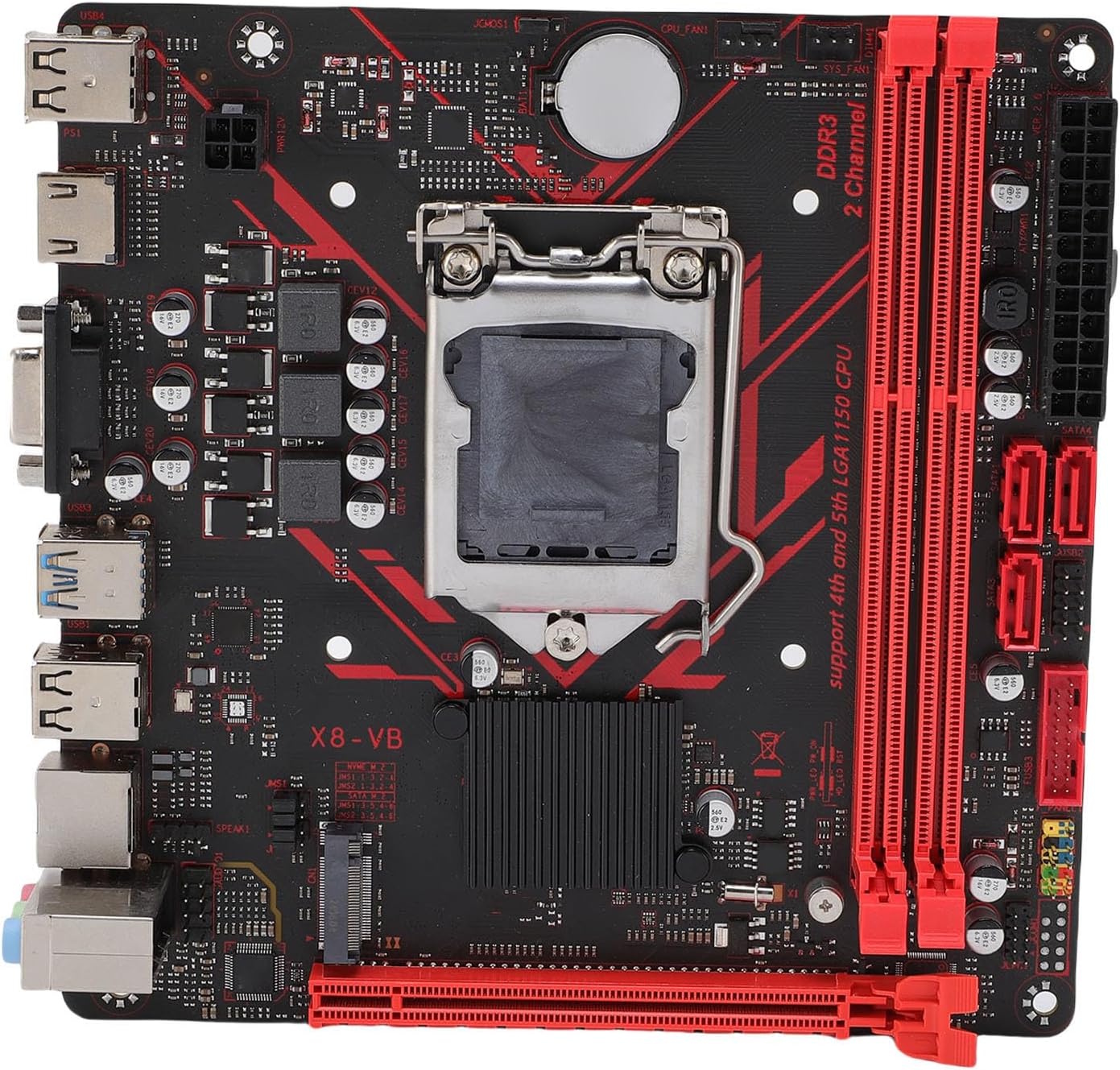
The X8-VB is an ultra-budget ITX board for LGA1150, manufactured by Angthumb.
It’s the successor to the not-so-great X7-VB model for socket 1155. The board inherited almost all of its predecessor’s shortcomings and is far less common than the popular B8H from the same manufacturer.
Specifications
| Model | X8-VB v2.11 |
|---|---|
| Socket | LGA 1150 |
| Chipset | H81 |
| Supported Processors | Intel Core i3/i5/i7, Xeon E3, Pentium, Celeron Gen: 4 (Haswell) |
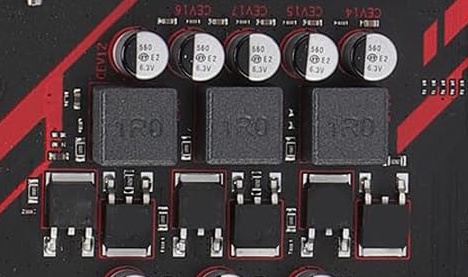
| VRM Configuration | 3 Phase Total MOSFETs: 6 (1 high-side + 1 low-side) |
| Supported Memory | 2 x DDR3 DIMM (dual-channel) Maximum capacity: 16 GB Maximum frequency: 1600 Mhz |
| Sleep Mode Support | No |
| Expansion Slots | 1 x PCI-e x8 (Gen 2.0) |
| Storage | 3 x SATA 2.0 1 x M.2 (NVME/NGFF, Gen 2.0 x4) |
| Fan Connectors | 1 x CPU cooler (4pin) 1 x Case fan (3pin) |
| PS/2 Ports | - |
| USB 3.0 Ports | 2 (+ front panel support) |
| USB 2.0 Ports | 4 (+ front panel support) |
| Network | 10/100 Mbps (RTL8105E) / 1 Gbps (RTL8111) (Depends on the motherboard revision) |
| Audio | 5.1 channel (ALC887) |
| Bios Chip | Winbond 25q32jvsiq |
| JLPC1\DEBUG header | Yes |
| TPM 2.0 header | MSI 14pin LPC (Depends on the motherboard revision) |
| PCB Layers | 4 |
| Form Factor & Dimensions | ITX, 170 x 170 mm |
| Approximate Price |
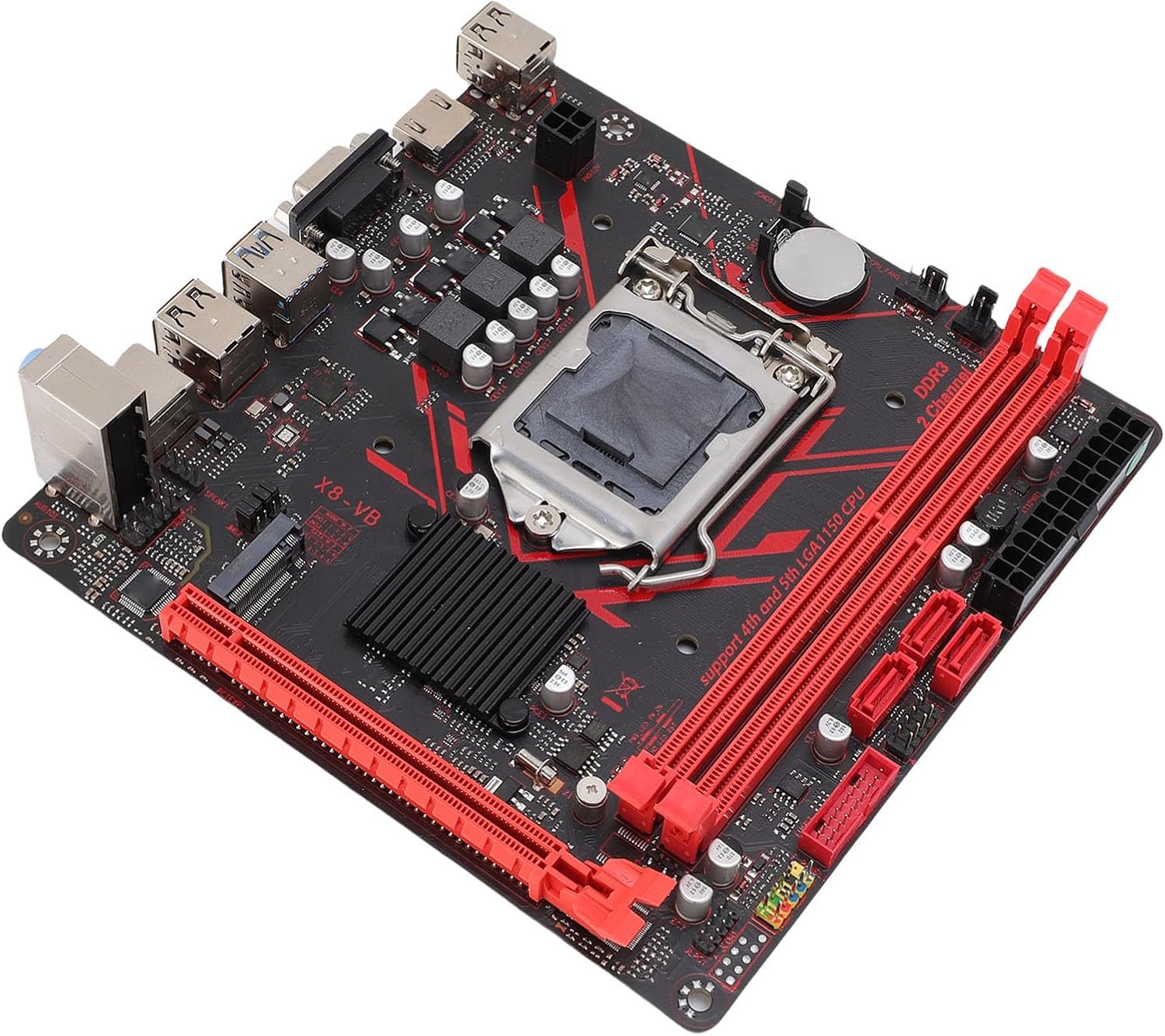
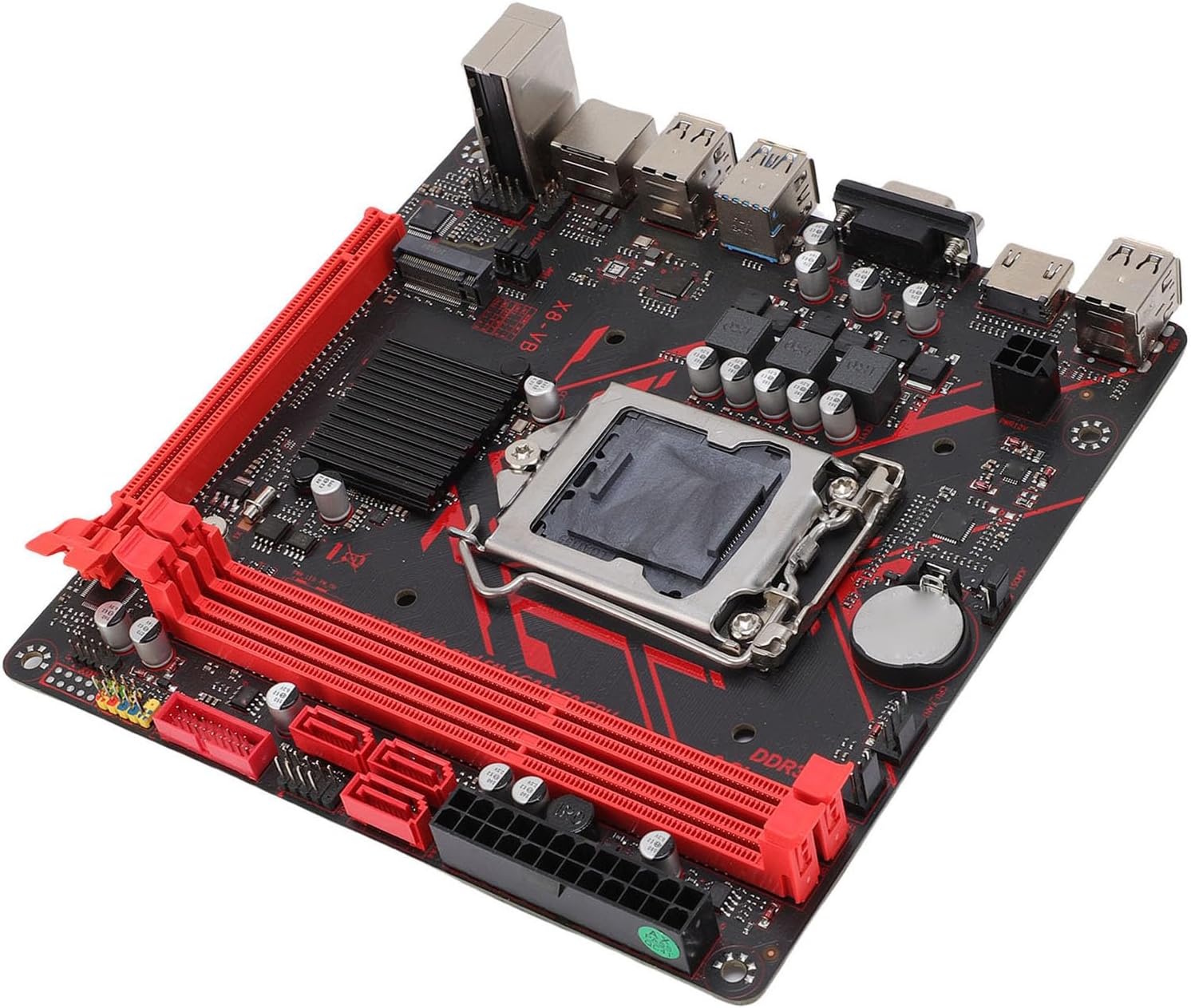
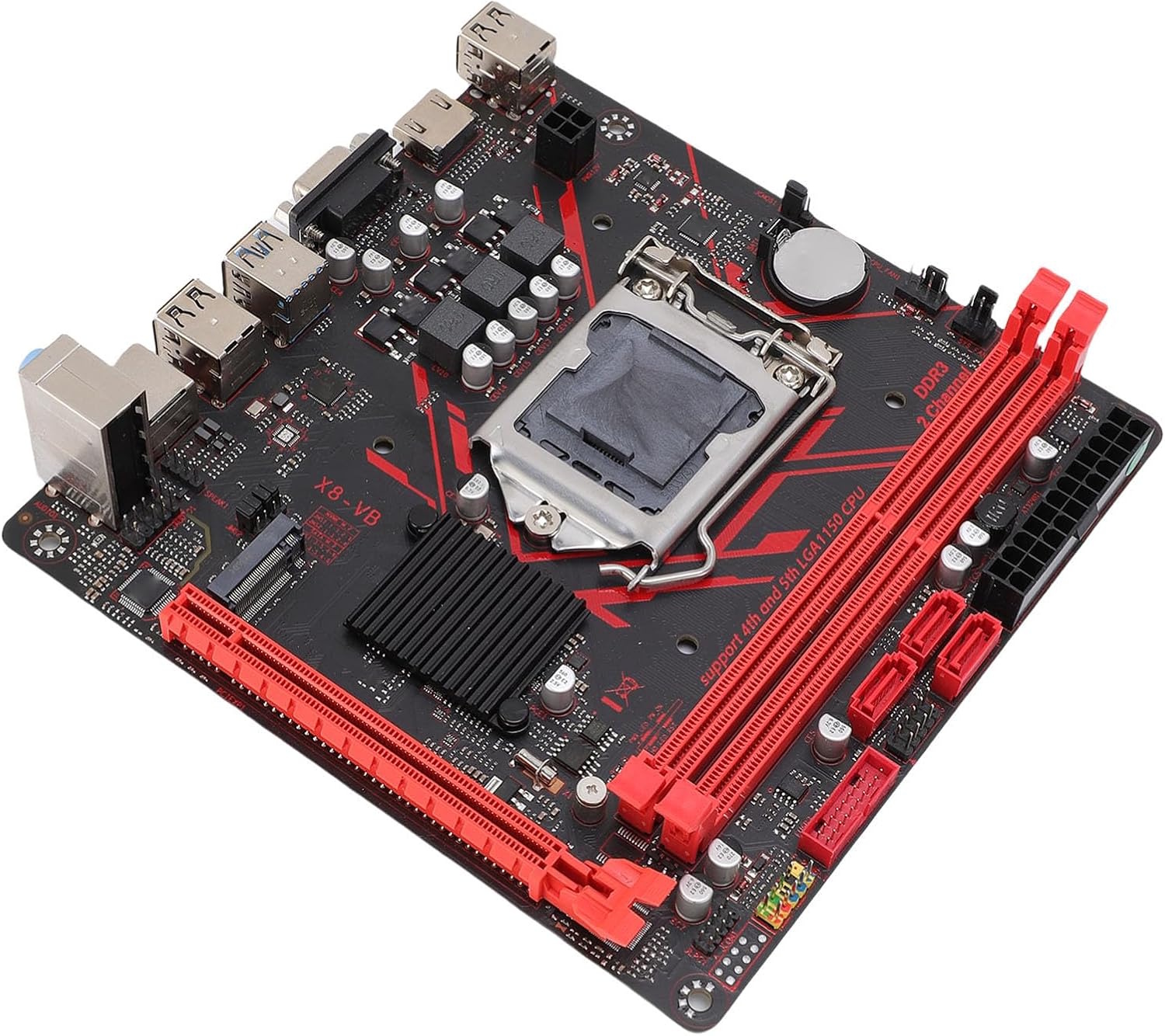
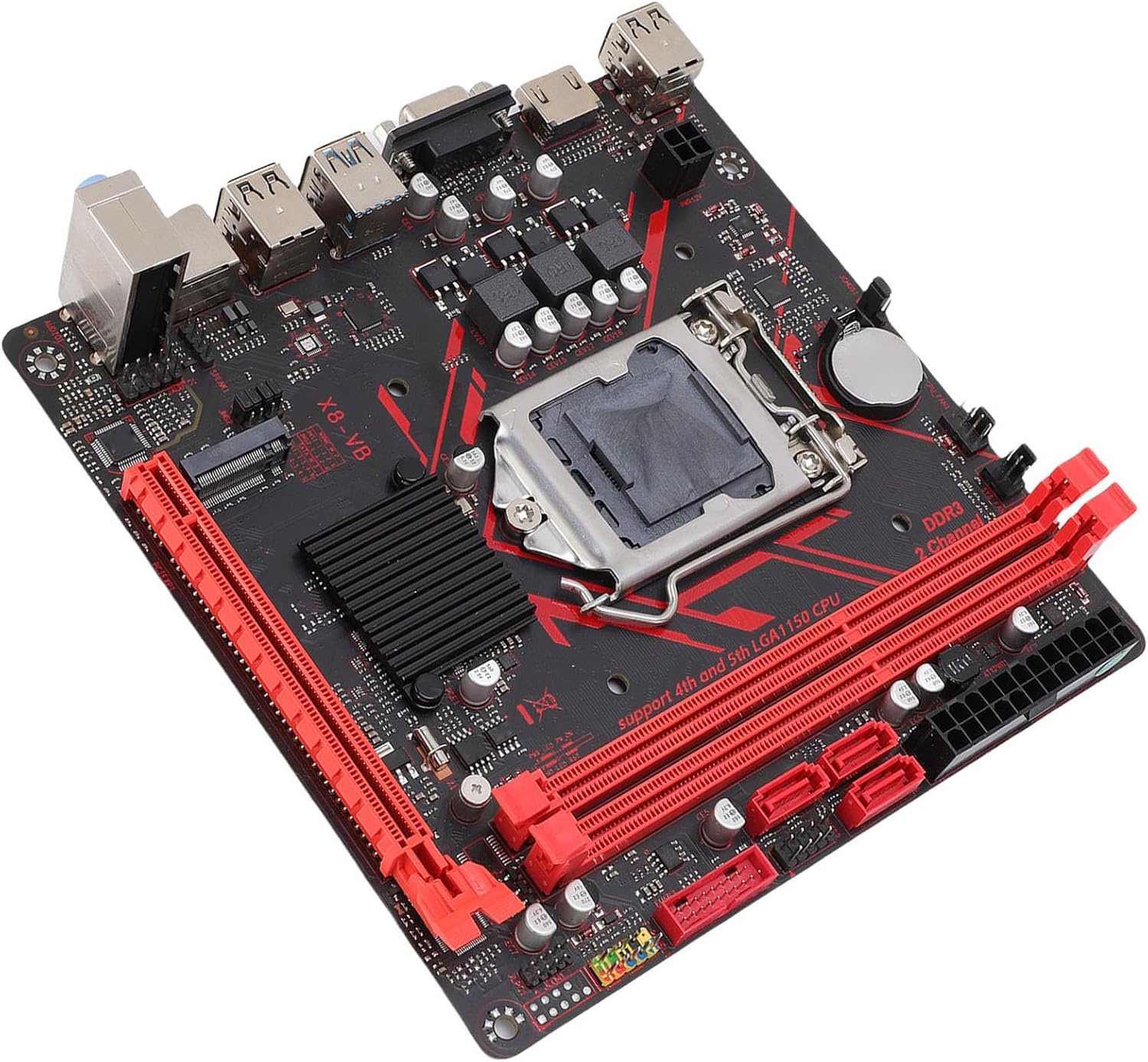
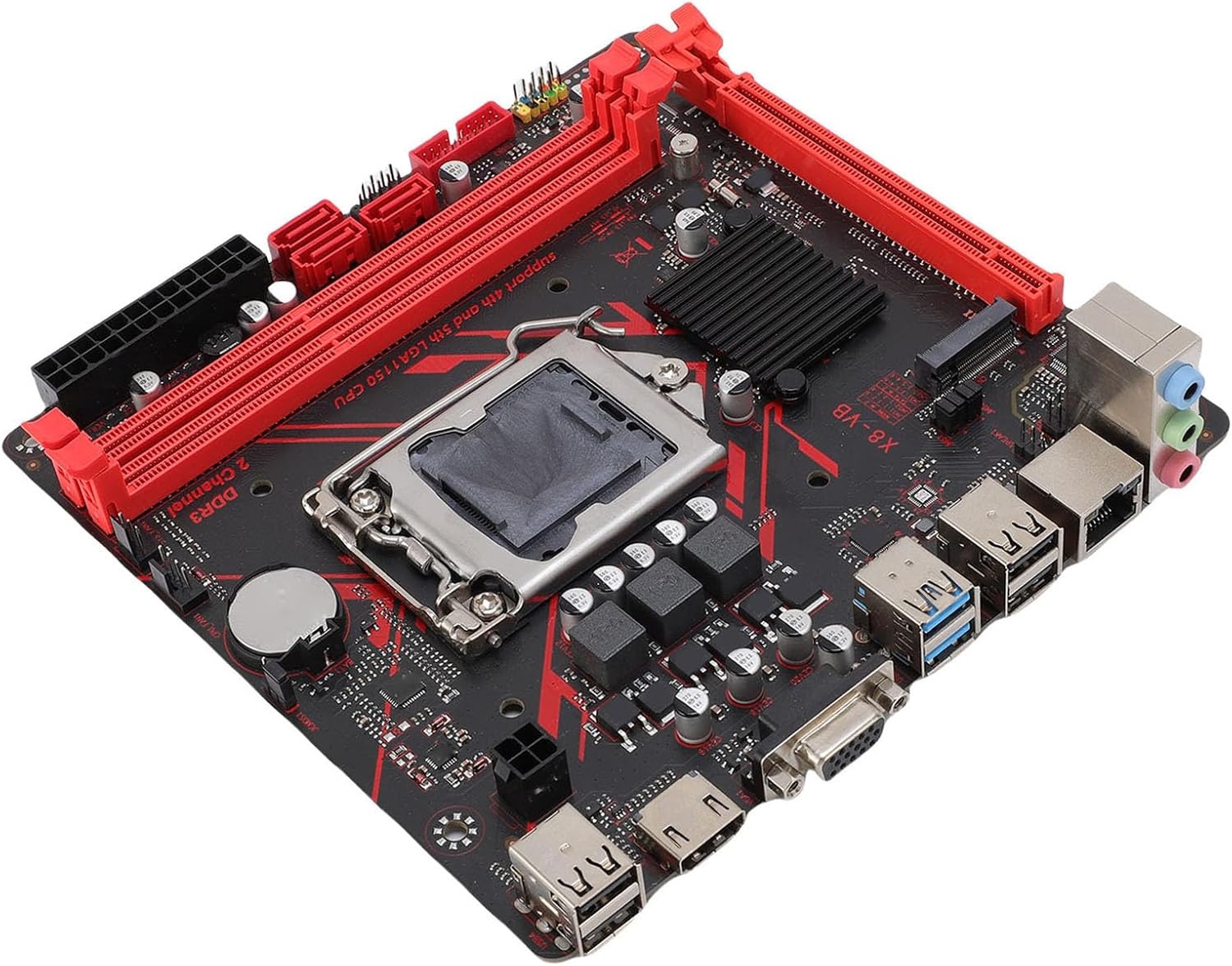
Visually, the board is identical to the older X7-VB. It is built on the entry-level H81 chipset, which explains the lack of modern ports and why the single PCIe slot is limited to Gen 2.0. Despite the physical x16 slot, only 8 lanes are actually wired to it, so the data transfer speed is equivalent to PCIe x4 Gen 3.0 — not a whole lot even back in LGA1150’s heyday.
As before, alongside three SATA ports, the board offers a dual-format M.2 slot, limited to PCIe x4 Gen 2.0. There is little point in installing a fast, modern NVMe drive here, though it is still noticeably faster than standard SATA. The board also supports booting from M.2.
The power delivery subsystem hasn’t changed either. CPU power is still handled by just 3 phases, each with 2 MOSFETs, with no heatsink covering them. This configuration is suited to low-power Core i5 S- and T-suffix models, or power-efficient server Xeons like the E3-1230L v3. You can install more powerful 65–69W CPUs, but you will definitely need direct airflow over the VRM. Dropping the most power-hungry LGA1150 chips into this board is a bad idea, but if you must, make sure to avoid sustained heavy workloads.
Otherwise, the board is practically unchanged. The same thin PCB, the same bare-bones component selection, and a total lack of fan control or hardware monitoring. Really, the only advantages are having at least two USB 3.0 ports and a somewhat higher chance of running into a gigabit network controller instead of a 100Mbit one (though variants with the latter do exist too).
Revisions
At least two revisions of the X8-VB are known: V2.0 and V2.11, though other, rarer variants may exist as well.
With no changelog available, the two revisions look virtually identical — the only thing worth noting is the TPM 2.0 port, which appeared in revision 2.11.
BIOS Capabilities
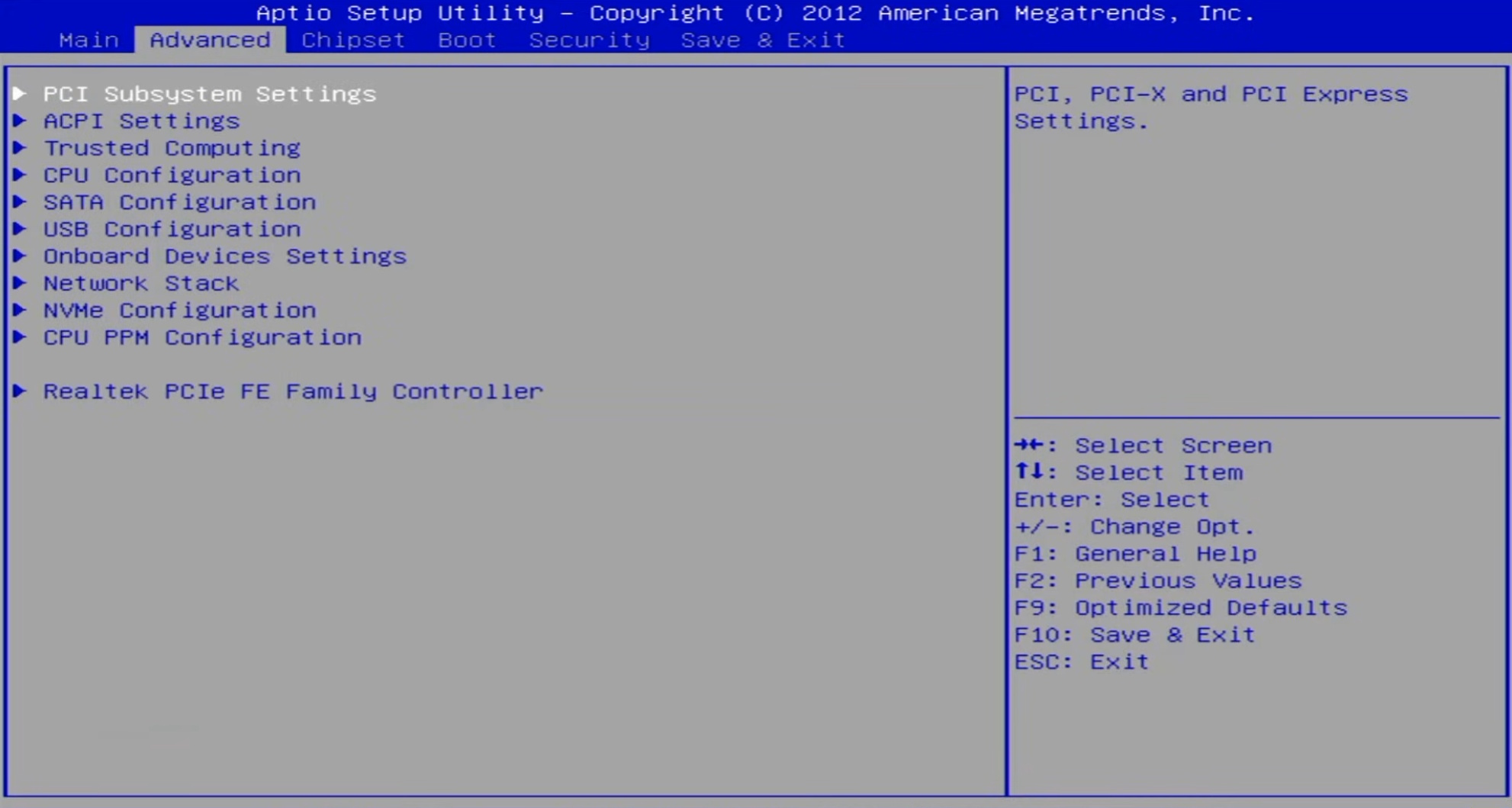
The board runs a standard Aptio IV-based BIOS, typical for cheap Chinese motherboards. There’s nothing significantly different here compared to other Angthumb firmware.
The firmware includes all core functionality: Hyper-Threading and individual core enable/disable, memory timing control, Above 4G Decoding, Secure Boot (untested), and TPM 2.0 support. Naturally, all the usual caveats apply: dead temperature sensors, no sleep mode support, broken SmartFan, and a bunch of non-functional options. In short, the firmware is absolutely typical for Chinese boards in the “cheapest possible” category.
| Board Rev | BIOS version & date | Link |
|---|---|---|
| V2.0 | B8HVB Ver:002 10/29/2024 16:05:20 | [Download] |
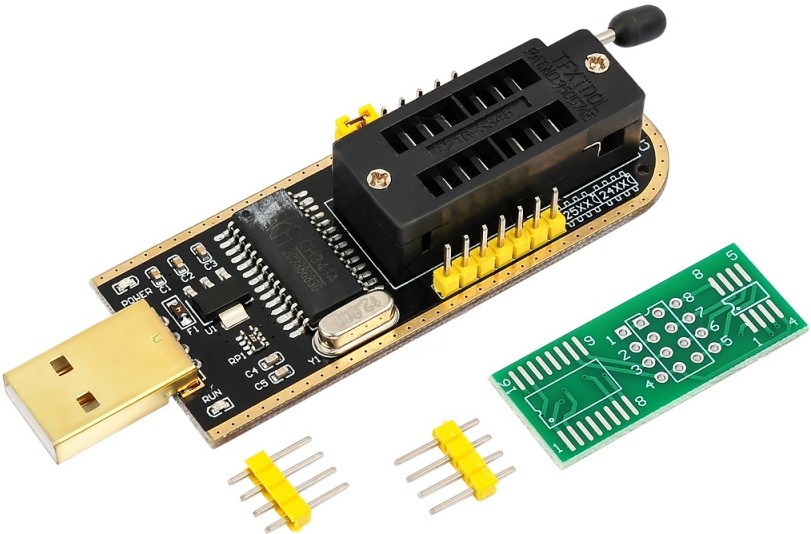
How to Flash the BIOS:
Frequently Asked Questions
How do I switch between NVMe and SATA M.2 modes?
Move the jumpers on JMS1 and JMS2 with the PC powered off:
- NVMe mode: Set to the right position (default)
- SATA mode: Set to the left position.
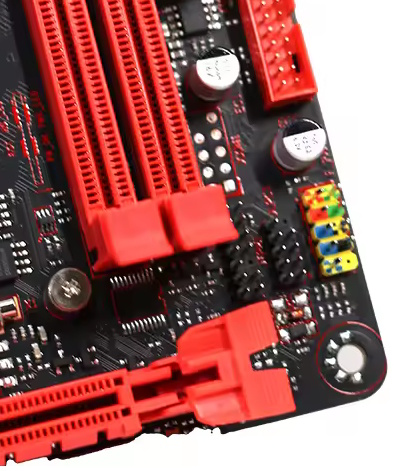
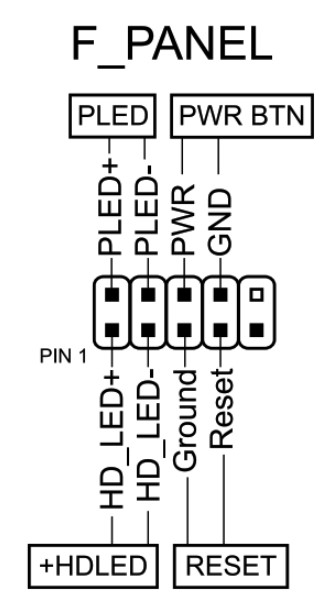
How do I connect the front panel?
Where is the BIOS chip located?
To the right of the chipset heatsink.
Conclusions
Angthumb sometimes manages to put out a decent board, but the X8-VB isn’t one of them. This motherboard is a hot mess of compromises, and its only real saving grace is that it actually boots. Sure, even a board like this can find a use somewhere, but if you have even the slightest choice in the matter, it’s better to steer clear of this model.
If you’re looking for a new (or at least new-looking) LGA1150 board in 2026, you’re better off looking at the B8H and its clones instead — that’ll at least get you more ports and more PCIe lanes.

Written by
Senior Hardware Specialist proving you don't need top-tier gear to game. Expert in smart upgrades and budget-friendly PC restoration.