Owners of ultra-budget 5-series chipset boards (HM55, HM57, H55, H57, Q57, QM57, Q55, P55) often run into issues when disabling CSM or enabling Secure Boot. Furthermore, some of these boards lack Secure Boot support entirely in their firmware (even if TPM 2.0 options are present, which are useless without Secure Boot).
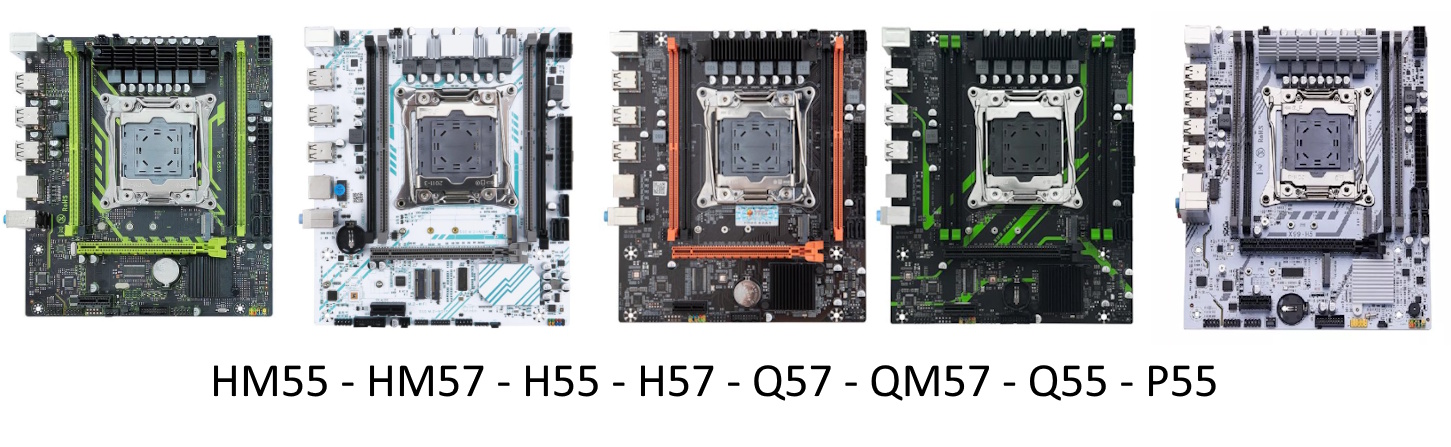
Typical symptoms of these issues include:
- The drive disappears after changing the Storage setting from Legacy to UEFI (usually affects SATA drives, not NVMe)
- The system hangs at the BIOS logo after disabling CSM and rebooting
- The system hangs after enabling Secure Boot (or upon the subsequent reboot)
- Boot loops or instantly dropping back into the BIOS after enabling Secure Boot
These issues stem from combining ancient chipsets with poorly adapted factory firmware. However, since many of these boards share similar layouts and come from a few OEM manufacturers, flashing a BIOS from a related model often fixes the problem. Enthusiast-modified firmware builds are also available and solve most of these bugs.
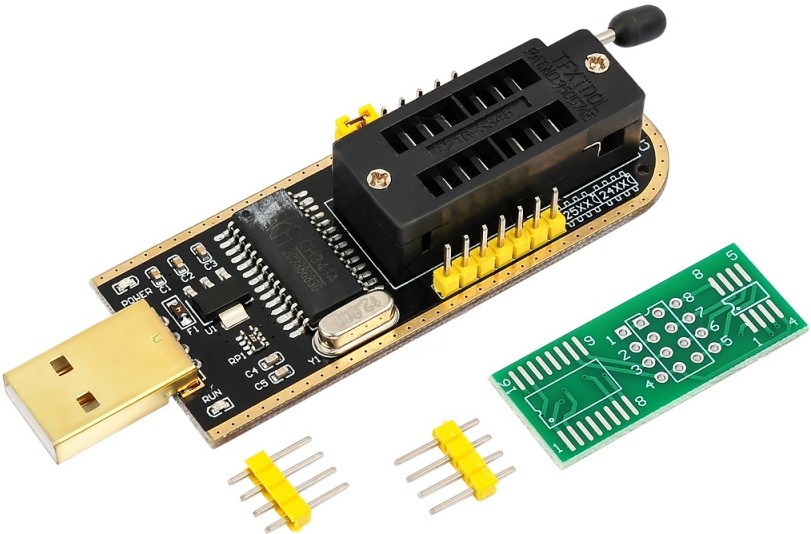
Before flashing: Read our guide on Secure Boot on Chinese X99 boards. Ensure your drive uses the GPT partition scheme and your GPU supports UEFI. You will need an SPI programmer to flash the BIOS. Always dump and back up your original firmware first, and clear CMOS after flashing. Keep in mind that a clean OS reinstallation in pure UEFI mode is usually required.
What You Can Do Without Reflashing
If your SATA drive disappears after switching Storage to UEFI, try setting the SATA controller to RAID mode instead.
Why this works: In RAID mode, the BIOS initializes a different UEFI Driver Module, which often handles SATA drives in pure UEFI mode much better than the buggy AHCI driver.
Where to switch it: IntelRCSetup > PCH Configuration > PCH SATA Configuration > Configure SATA as > RAID
Changing this setting requires a fresh Windows install; booting an existing installation will trigger an INACCESSIBLE_BOOT_DEVICE BSOD. Note that RAID mode may also introduce a minor latency/performance overhead compared to native AHCI.
Reflashing and BIOS Versions
Due to the sheer number of 5-series motherboard revisions, it’s impossible to test every firmware build on every board. If you successfully get UEFI and Secure Boot working, please share your board revision and working BIOS version in the comments.
- BIOS for X99-P4 v9.01 (X99-8D4) by Ancthumb — currently one of the most stable stock builds from this vendor.
- BIOS for ZSUS X99-P4 (X99-8D4) by filgueirasfernando. Details and discussion available here.
- BIOS for G689E1.1 (SY-X99E-D4-GS) by OPCzão. Watch the full walkthrough in this YouTube video.
| BIOS version | Ram Timings | ReBAR | AHCI fix | UEFI fix | Link |
|---|---|---|---|---|---|
| X99-P4 v9.01 by Ancthumb | + | + | ? | ? | [Download] |
| X99-P4 by filgueirasfernando | + | + | ? | + | [Download] |
| SY-X99E-D4 by OPCzão | + | + | ? | + | [Download] |
Alternatively, a custom BIOS by Neotec JBF is available. It is a paid firmware that reportedly fixes almost all UEFI/Secure Boot issues on these platforms. You can also download a basic free version.

Written by
Senior Hardware Specialist proving you don't need top-tier gear to game. Expert in smart upgrades and budget-friendly PC restoration.