Chinese LGA 1700 boards in one place: chipset, power delivery, memory, storage, USB and network, all in one table. Where a board name is a link, we have had that board on the bench and the link opens the full review. Sort by clicking any column header, and narrow the list down with the filter buttons above it.
| Model | Chipset | Memory | VRM | PCIe | Storage | USB | Network | Form factor | Price |
|---|---|---|---|---|---|---|---|---|---|
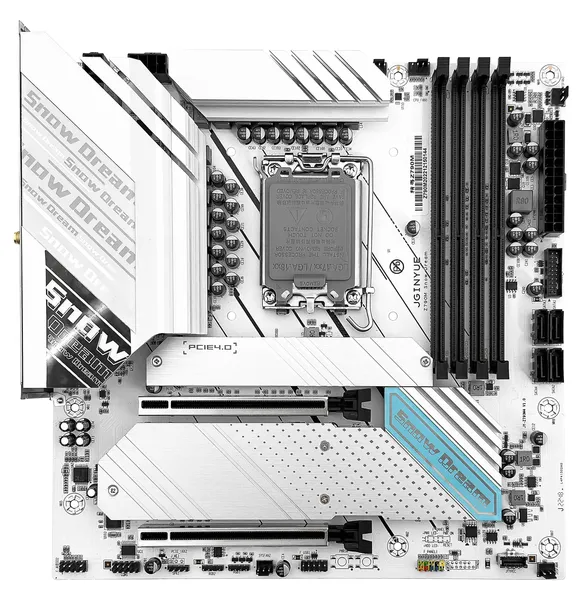 JGINYUE Z790M Snow Dream D4
|
Z790 | 4 x DDR4 | 16 (14+1+1) | x16 (Gen 4)x16 @ x4 (Gen 4) | 3 x M.2 NVMe (Gen 4)4 x SATA 3.0 | 4 x 3.26 x 2.01 x Type-C1 x Type-E | 2.5 GbEWi-Fi slot | mATX 245 x 245 mm | $$$ |
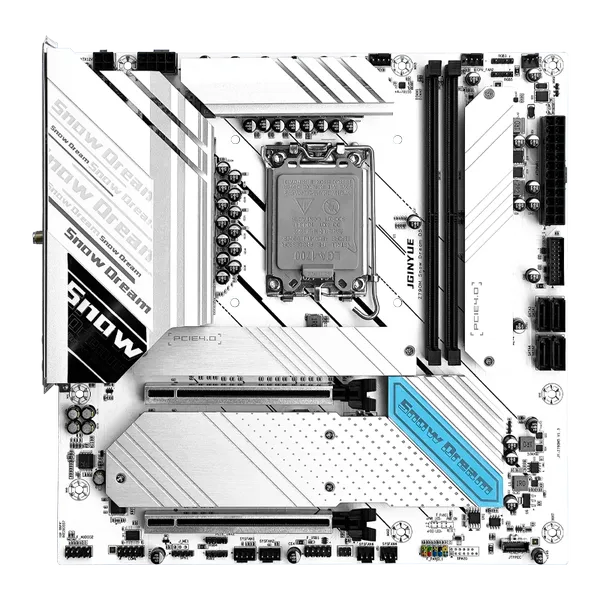 JGINYUE Z790M Snow Dream D5
|
Z790 | 2 x DDR5 | 16 (14+1+1) | x16 (Gen 4)x16 @ x4 (Gen 4) | 4 x M.2 NVMe (Gen 4)4 x SATA 3.0 | 2 x 3.22 x 3.2 (Gen 1)2 x 2.01 x Type-C1 x Type-E | 2.5 GbEWi-Fi slot | mATX 245 x 245 mm | $$$ |
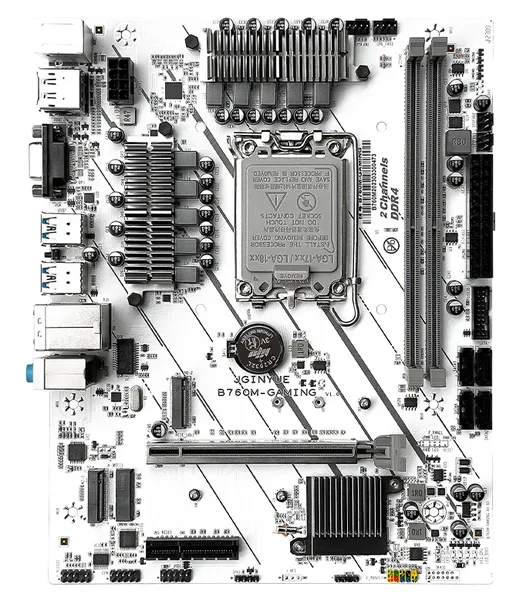 JGINYUE B760M-Gaming
|
B760 | 2 x DDR4 or 2 x DDR5 | 10 | x16 (Gen 4)x4 (Gen 4) | 2 x M.2 NVMe (Gen 4 x4)4 x SATA 3.0 | 4 x 3.22 x 2.0 | 1 GbEWi-Fi slot | mATX 240 x 190 mm | $$$ |
 Machinist B760 GT4
|
B760 | 2 x DDR4 | 9 (7+1+1) | x16 (Gen 4)x1 (Gen 4) | 1 x M.2 NVMe (Gen 4 x4)1 x M.2 NGFF/NVMe (Gen 4 x4)3 x SATA 3.0 | 4 x 3.22 x 2.0 | 1 GbEWi-Fi slot | mATX 190 x 240 mm | $$$ |
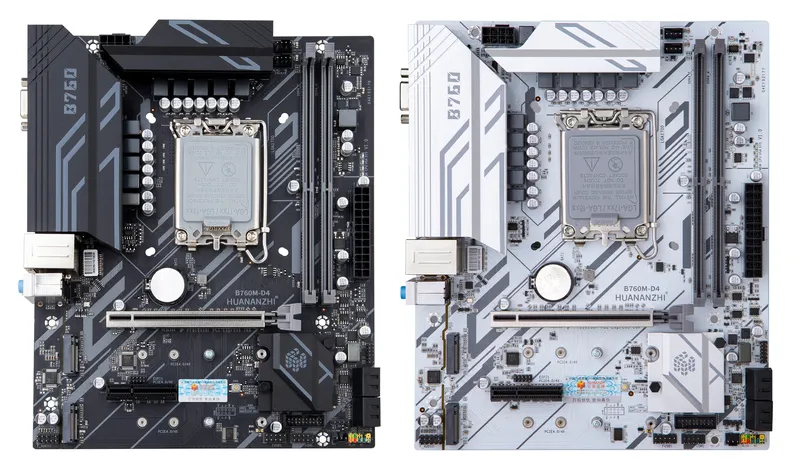 Huananzhi B760-D4
|
B760 | 2 x DDR4 | 10 | x16 (Gen 5)x4 (Gen 4) | 2 x M.2 NVMe (Gen 4 x4)4 x SATA 3.0 | 2 x 3.2 (Gen 2)2 x 3.2 (Gen 1)2 x 2.0 | 1 GbE | mATX 235 x 195 mm | $$$ |
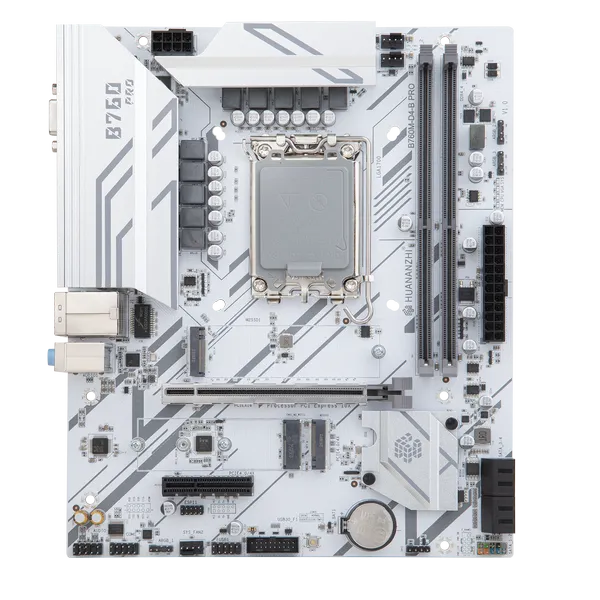 Huananzhi B760M-D4-B PRO
|
B760 | 2 x DDR4 | 10 | x16 (Gen 4)x4 (Gen 3) | 2 x M.2 NVMe (Gen 4 x4)4 x SATA 3.0 | 4 x 3.2 (Gen 1)2 x 2.0 | 2.5 GbEWi-Fi slot | mATX 235 x 195 mm | $$$ |
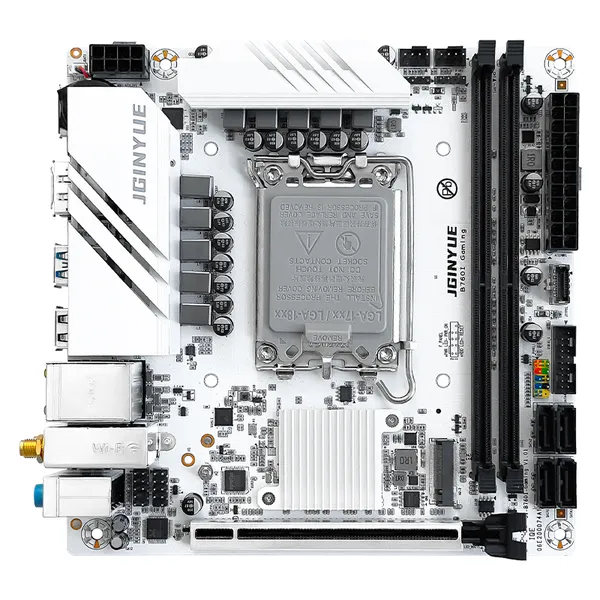 JGINYUE B760I Gaming
|
B760 | 2 x DDR4 | 10 | x16 (Gen 4) | 2 x M.2 NVMe (Gen 4 x4)4 x SATA 3.0 | 2 x 3.24 x 2.01 x Type-C | 2.5 GbEWi-Fi slot | ITX 170 x 170 mm | $$$ |
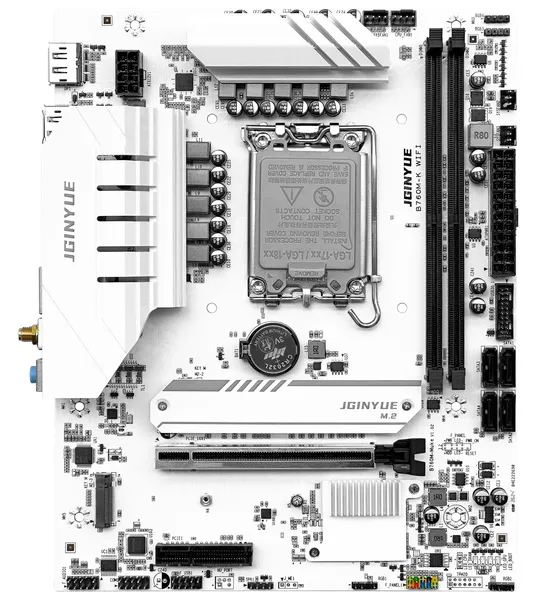 JGINYUE B760M-K WIFI
|
B760 | 2 x DDR4 | 10 | x16 (Gen 4)x4 (Gen 4) | 2 x M.2 NVMe (Gen 4)4 x SATA 3.0 | 4 x 3.22 x 2.0 | 1 GbEWi-Fi onboard | mATX 240 x 190 mm | $$$ |
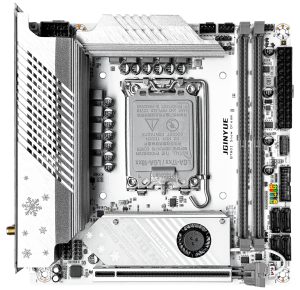 JGINYUE B760I Snow Dream
|
B760 | 2 x DDR4 or 2 x DDR5 | 10 (8+1+1) | x16 (Gen 4) | 2 x M.2 NVMe (Gen 4 x4)4 x SATA 3.0 | 2 x 3.23 x 2.01 x Type-E | 2.5 GbE1 GbEWi-Fi slot | ITX 170 x 170 mm | $$$ |
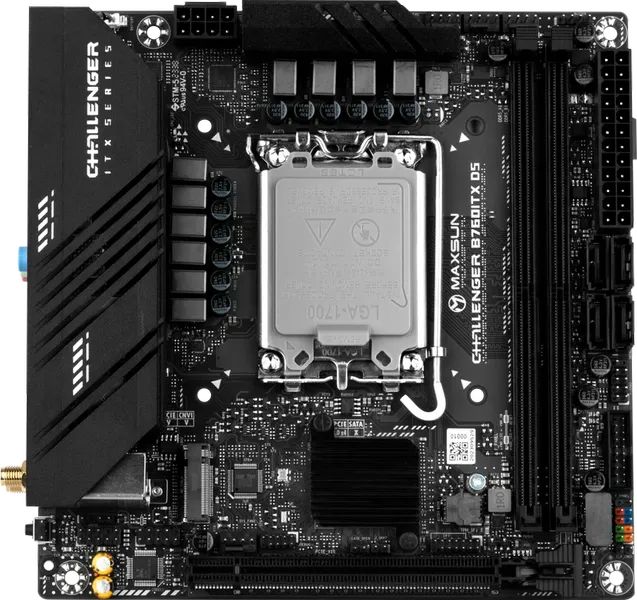 Maxsun MS-Challenger B760ITX D5
|
B760 | 2 x DDR5 | 10 (8+1+1) | x16 (Gen 5) | 2 x M.2 NVMe (Gen 4 x4)4 x SATA 3.0 | 2 x 3.2 (Gen 1)4 x 2.01 x Type-E | 2.5 GbE1 GbEWi-Fi slot | ITX 170 x 170 mm | $$$ |
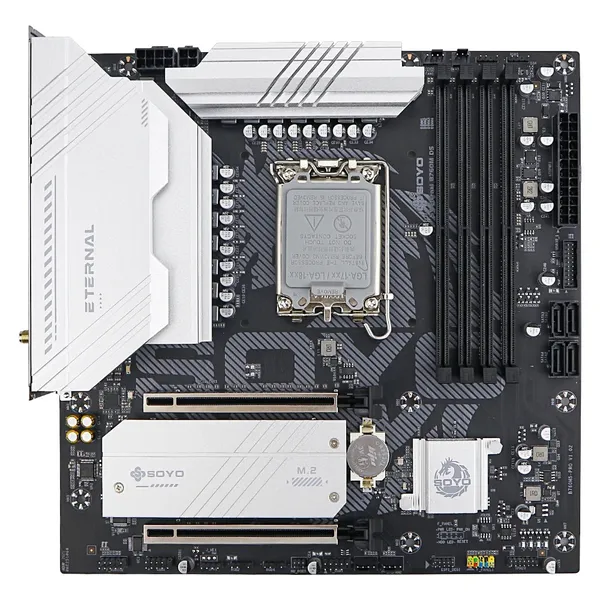 SOYO Eternal B760M D4 WIFI6
|
B760 | 4 x DDR4 | 14 (7+7) | 2 x x16 (Gen 4) | 2 x M.2 NVMe (Gen 4 x4)4 x SATA 3.0 | 3 x 3.2 (Gen 1)4 x 2.01 x Type-C | 2.5 GbEWi-Fi onboard | mATX 245 x 245 mm | $$$ |
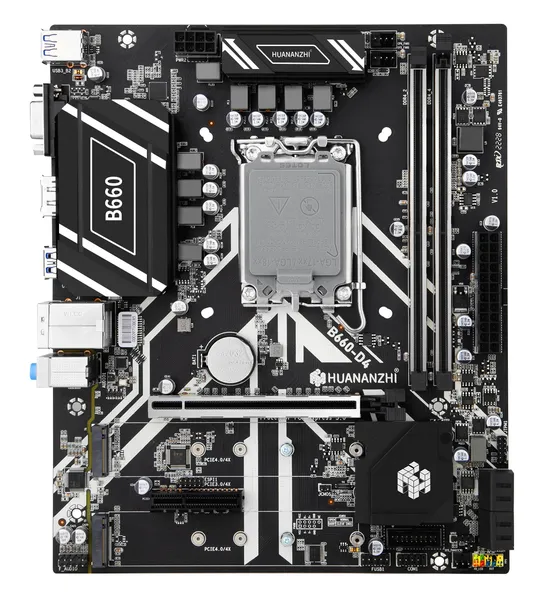 Huananzhi B660-D4
|
B660 | 2 x DDR4 | 8 | x16 (Gen 4)x4 (Gen 3) | 2 x M.2 NVMe (Gen 4 x4)4 x SATA 3.0 | 4 x 3.22 x 2.0 | 1 GbE | mATX 235 x 195 mm | $$$ |
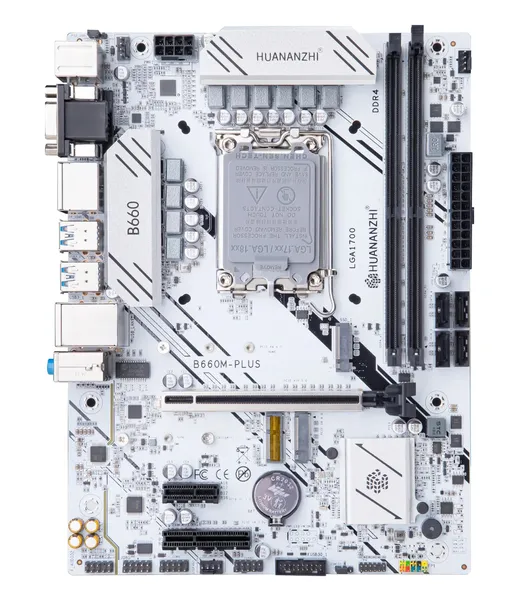 Huananzhi B660M-PLUS
|
B660 | 2 x DDR4 | 10 | x16 (Gen 4)x4 (Gen 3)x1 (Gen 3) | 1 x M.2 NVMe (Gen 4 x4)1 x M.2 NVMe (Gen 3 x4)4 x SATA 3.0 | 4 x 3.24 x 2.0 | 2.5 GbE | mATX 240 x 180 mm | $$$ |
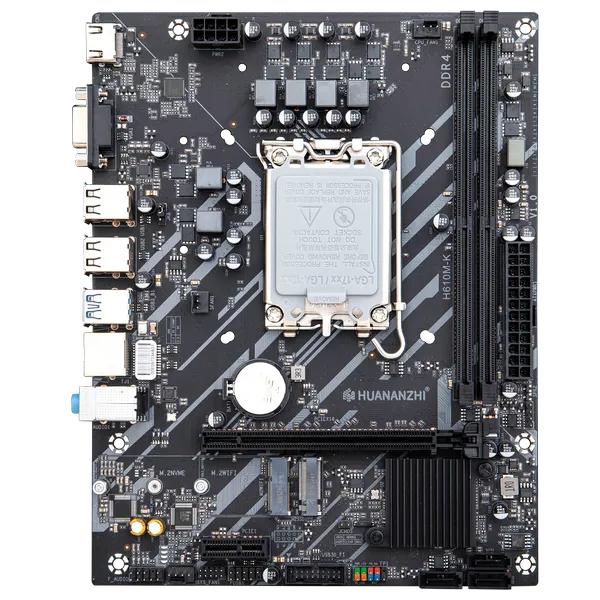 Huananzhi H610M-K
|
H610 | 2 x DDR4 | 6 | x16 (Gen 4)x1 (Gen 3) | 1 x M.2 NVMe (Gen 3 x4)3 x SATA 3.0 | 2 x 3.2 (Gen 1)4 x 2.0 | 1 GbEWi-Fi slot | mATX 215 x 165 mm | $$$ |
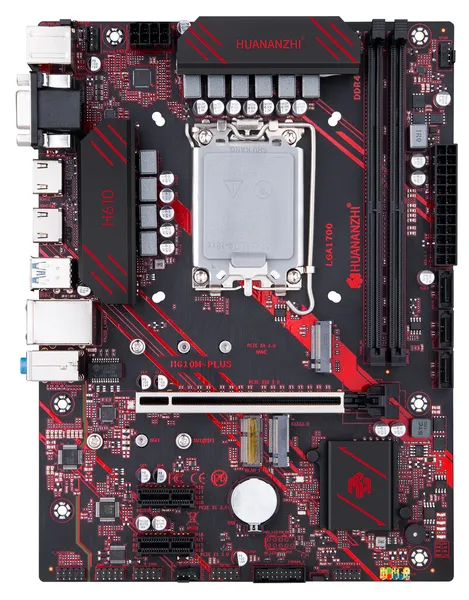 Huananzhi H610M-PLUS
|
H610 | 2 x DDR4 | 10 | x16 (Gen 4)2 x x4 (Gen 3) | 1 x M.2 NVMe (Gen 3 x4)1 x M.2 NGFF3 x SATA 3.0 | 2 x 3.24 x 2.0 | 1 GbEWi-Fi slot | mATX 240 x 180 mm | $$$ |
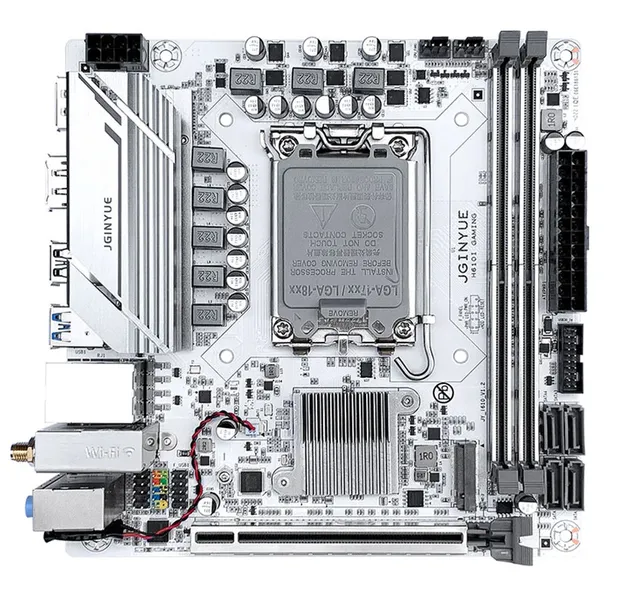 JGINYUE H610I-Gaming
|
H610 | 2 x DDR4 | 8 | x16 (Gen 4) | 1 x M.2 NVMe (Gen 3 x4)1 x M.2 NVMe (Gen 3 x2)4 x SATA 3.0 | 2 x 3.2 (Gen 1)3 x 2.0 | 1 GbEWi-Fi slot | ITX 170 x 170 mm | $$$ |
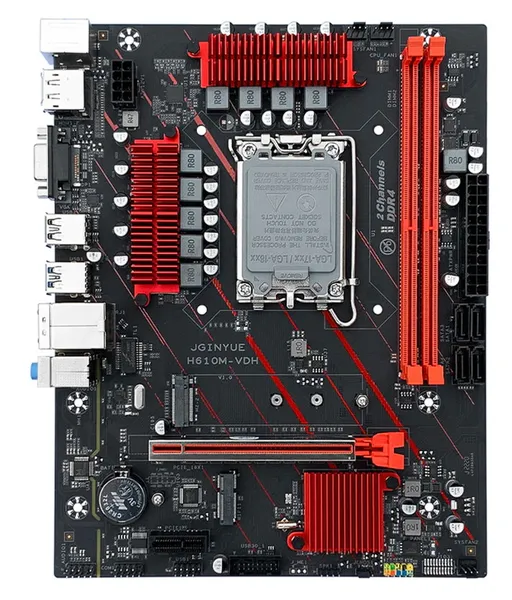 JGINYUE H610M
|
H610 | 2 x DDR4 | 9 (7+1+1) | x16 (Gen 4)x1 (Gen 3) | 1 x M.2 NVMe (Gen 3 x4)3 x SATA 3.0 | 2 x 3.2 (Gen 1)4 x 2.0 | 1 GbE | mATX 240 x 190 mm | $$$ |
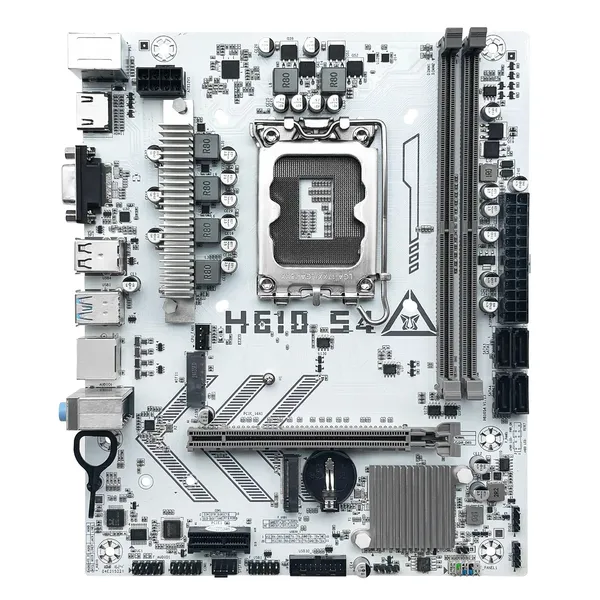 Machinist H610 S4
|
H610 | 2 x DDR4 | 6 (4+1+1) | x16 (Gen 4)x1 (Gen 3) | 1 x M.2 NVMe (Gen 3)4 x SATA 3.0 | 2 x 3.22 x 2.0 | 1 GbEWi-Fi slot | mATX 220 x 180 mm | $$$ |
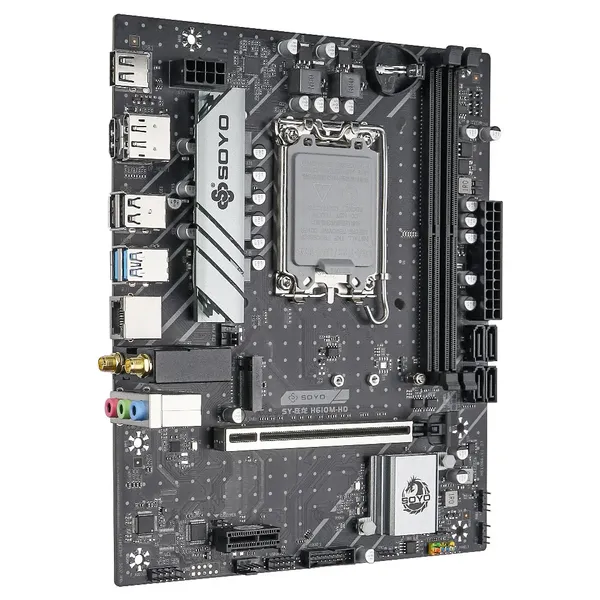 SOYO H610M-HD
|
H610 | 2 x DDR4 | 8 (5+3) | x16 (Gen 4)x1 (Gen 3) | 1 x M.24 x SATA 3.0 | 2 x 3.2 (Gen 1)2 x 2.0 | 1 GbEWi-Fi slot | mATX 220 x 180 mm | $$$ |
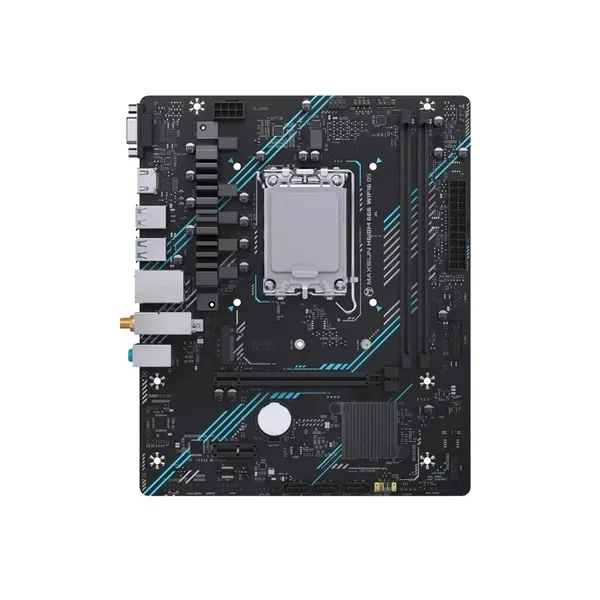 Maxsun H610M 666 WIFI6 D5
|
H610 | 2 x DDR5 | 6 (4+1+1) | x16 (Gen 4)x1 (Gen 3) | 1 x M.2 NVMe (Gen 3 x4)3 x SATA 3.0 | 2 x 3.2 (Gen 1)4 x 2.0 | 1 GbEWi-Fi onboard | mATX | $$$ |
Specs come from open sources and may contain errors. Always double-check before buying.
No board matches these filters. Clear one to see more.
What matters when choosing a board
1. VRM. The phase count is a starting point, not the answer. Look at how the power stage is actually built, and at the power limits the BIOS ships with — a board can look adequate on paper and still hold a hot processor below its rated boost, simply because nobody raised those limits.
2. Chipset. The chipset decides three things: whether memory can be overclocked, whether the processor can be, and how many lanes and ports the board has to hand out. H610 is the floor — no memory overclocking at all, two DIMM slots and no more, chipset lanes limited to PCIe 3.0, and the fewest USB ports of the four. B660 and B760 are the sensible middle: XMP profiles actually run, four DIMM slots are allowed, and the chipset brings PCIe 4.0 lanes of its own. Z690 and Z790 keep all of that and add the one thing the B-series cannot do, overclocking a K processor. What the chipset does not decide is the graphics slot and the first M.2: both are wired straight to the processor, so the chipset alone never tells you which generation that slot runs at. It is also an easy number for a listing to overstate. Gen 5 asks more of the PCB than a budget design usually gives it, so treat PCIe 5.0 on a cheap board as something to confirm rather than take on trust.
3. DDR4 or DDR5. Several models ship as two versions with the same name, so read the memory column before you buy. DDR4 lets you carry a kit over from an older build and costs noticeably less; DDR5 pays off with the faster chips. Slot count matters as much as the type: two-slot boards keep the memory traces short and reach higher stable speeds, while filling all four slots costs you frequency — a little on DDR4, a lot on DDR5, where four modules often drag the whole kit well below its rated speed. On H610 the question never comes up: two slots, stock speed, whatever the sticker on the kit says.
4. Storage. M.2 is where the boards actually differ, and the count follows the chipset lanes: budget H610 models tend to offer a single slot at Gen 3, B760 boards usually give two at Gen 4, and the Z790 models three or four. Watch for shared lanes on the cheaper boards — an M.2 that borrows bandwidth from the SATA controller will switch some ports off once it is populated, so check the manual before planning to fill everything at once. SATA itself is plentiful on every board here and rarely decides anything.
5. Network and Wi-Fi. 2.5-gigabit Ethernet is worth having, but on these boards it is not a budget feature: none of the cheapest models in the table carry it. Wi-Fi comes in two forms, and the table keeps them apart: Wi-Fi slot is an empty M.2 key-E connector with the card left for you to buy, while Wi-Fi onboard means the module is fitted at the factory and the antennas are in the box.